

Send files. Don’t store it on a server.
and , and I have the right to share these files.
Both of you need to keep this tab open until the transfer finishes.
- No login
- No copy kept after the session
- Original file, no compression
How it works
Four steps from sender to receiver.
- 1
Step 1
Select files in the browser.
Drag and drop or pick any files. Nothing is uploaded yet.
- 2
Step 2
Get a link or 6-digit code.
Share the link, the code or the QR code with the receiver.
- 3
Step 3
Other person opens it in their browser.
On a phone, tablet or computer. No app or account needed.
- 4
Step 4
File streams directly while both tabs stay open.
The data goes from one browser to the other until it's done.
Live transfer, not cloud storage
This is a live transfer, not cloud storage. If someone closes the tab, the transfer stops. That is how the file avoids sitting on our servers.
Our server only connects the browsers
We use a server only to help the two browsers find each other. File bytes are not stored as a downloadable copy on our side.
Direct Architecture
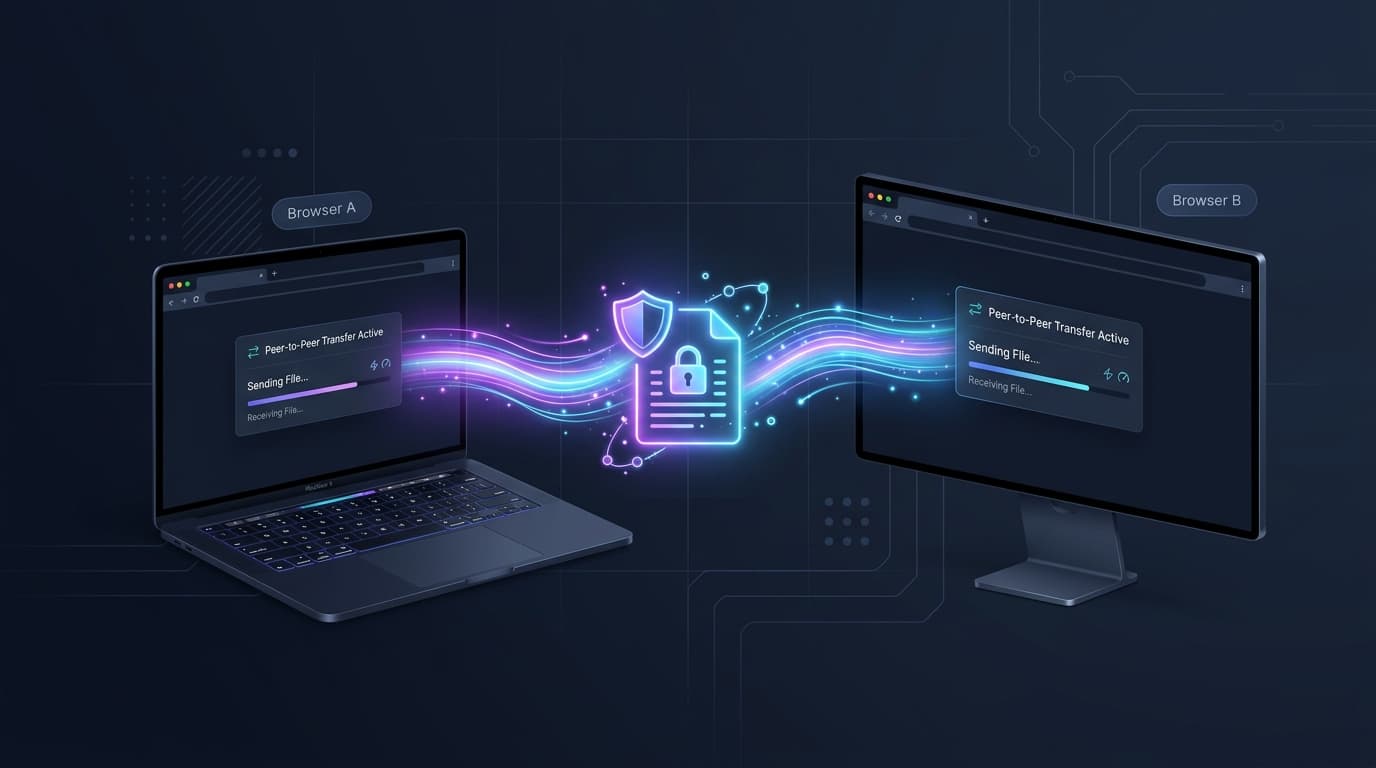
Direct browser-to-browser tunnel. No intermediate cloud storage.
When you need to share files online without exposing personal data, SendFiles routes bytes directly across a secure WebRTC data channel between both devices.
This pure P2P file transfer connects the sender and receiver without uploading your data to third-party cloud hosting or disk storage. Files stream in real time, preserving original quality with no compression limits.
- Direct memory streaming
- Zero server disk storage
- No size or format capping
- End-to-end encrypted channel
Transfer guides
Solutions for moving files across platforms without compression or cloud caps.
Send videos on WhatsApp without compression
WhatsApp downscales video resolutions and bitrates by default. Methods to send original 4K and raw files without quality loss.
Read guideComparison
WeTransfer alternatives compared
Comparing services that do not enforce 2GB upload caps, forced account registrations, or 7-day expiration timers.
Read guideLocal Network
WiFi and LAN direct file transfer
How direct browser connections route files across your local WiFi for fast transfers without uploading to external servers.
Read guideArchitectural comparison
How SendFiles.in Compares to Traditional Services
SendFiles.in eliminates cloud server storage entirely. By establishing a direct, encrypted WebRTC tunnel between browsers, you get faster transfers, zero file limits, and complete anonymity.
| Comparison Criteria | SendFiles.in | WeTransfer | Smash | ToffeeShare | Send Anywhere |
|---|---|---|---|---|---|
| Transfer Architecture | Pure Peer-to-Peer (WebRTC) | Central Cloud Hosting | Central Cloud Hosting | Pure Peer-to-Peer (WebRTC) | Cloud / P2P Hybrid |
| Free File Size Limit | No Platform Cap (P2P Stream) | 2 GB Maximum | No Hard Cap (Throttled >2GB) | No Platform Cap (P2P Stream) | 10 GB Max (Link) |
| Account or Login Required | No (100% Anonymous) | Email Verification / Login | No Registration Required | No Registration Required | Optional / Prompts App |
| Cloud Server Data Retention | 0 Hours (Live Memory Stream) | 7 Days on Central Servers | Up to 7 Days on Cloud Disks | 0 Hours (Live Memory Stream) | 48 Hours on Cloud Servers |
| End-to-End Encryption (E2EE) | WebRTC DTLS (encrypted in transit) | Server TLS Only | Server TLS / AES at Rest | WebRTC DTLS / SCTP | Proprietary Protocol |
| Speed & Queue Priority | Unthrottled Direct ISP Speed | Standard Cloud Bandwidth | Non-priority Queue >2GB | Direct ISP Bandwidth | Standard Bandwidth |
| Transfer Cost | 100% Free Forever | $12+/mo for >2GB | Free Tier / Paid Pro Plans | Free / Optional Paid App | $5.99+/mo for Pro |
Why choose SendFiles.in over WeTransfer or cloud hosts?
SendFiles.in streams files directly peer-to-peer over encrypted WebRTC connections. Because files are never stored on our servers, there are zero storage limits, no registration barriers, and no 7-day expiration deadlines.
Frequently asked questions
Common questions about how direct peer-to-peer transfers work.
Still have questions?
Can't find what you're looking for? Send us a message and we'll get back to you.
Does SendFiles store copies of my files?
No. Files are never saved to disk or stored on our servers. The file streams directly from your device memory to the recipient's device memory over an encrypted WebRTC data channel.
Why do both tabs have to stay open during the transfer?
Because SendFiles is a live stream, not cloud storage. Your browser serves the file directly to the downloader. If either tab is closed before the transfer reaches 100%, the transfer stops.
Is there any limit on file size?
No artificial limits. You can send gigabytes or terabytes. The transfer speed depends on both internet connections and device processing power.
Do I need an account or software installation?
No. SendFiles requires no account, email address, password, or application download. It runs directly inside standard web browsers.
Are files compressed during transfer?
No. Files stream byte-for-byte in their original form without re-encoding, resolution reduction, or archive compression.
Is SendFiles really free?
Yes. SendFiles is completely free to use. There are no paid plans, trials, or hidden limits, and you never need to enter payment details.
Can I send files from my phone to my computer?
Yes. SendFiles works in any modern browser on Android, iPhone, iPad, Windows, macOS, and Linux. Open the link or scan the QR code on the other device to receive the files.
Can I send several files or a whole folder at once?
You can select as many files as you like and send them together in one transfer. To send a folder, compress it into a ZIP file first and send the ZIP.
Which browsers are supported?
Recent versions of Chrome, Edge, Firefox, Safari, Brave, and Opera all work. Both people just need a modern browser; no plugins or extensions are required.
What happens if the connection drops?
The transfer stops, because the file is streamed live and never stored on a server. Keep both tabs open on a stable connection, and if a transfer fails, simply start a new one.
How long does the link or code work?
The link and 6-digit code are temporary. They expire after about 10 minutes if nobody connects, and the session ends when the transfer finishes.
Still have questions?
Can't find what you're looking for? Send us a message and we'll get back to you.
Ready to send a file?
No registration. No server storage.